Product
The Aflabox
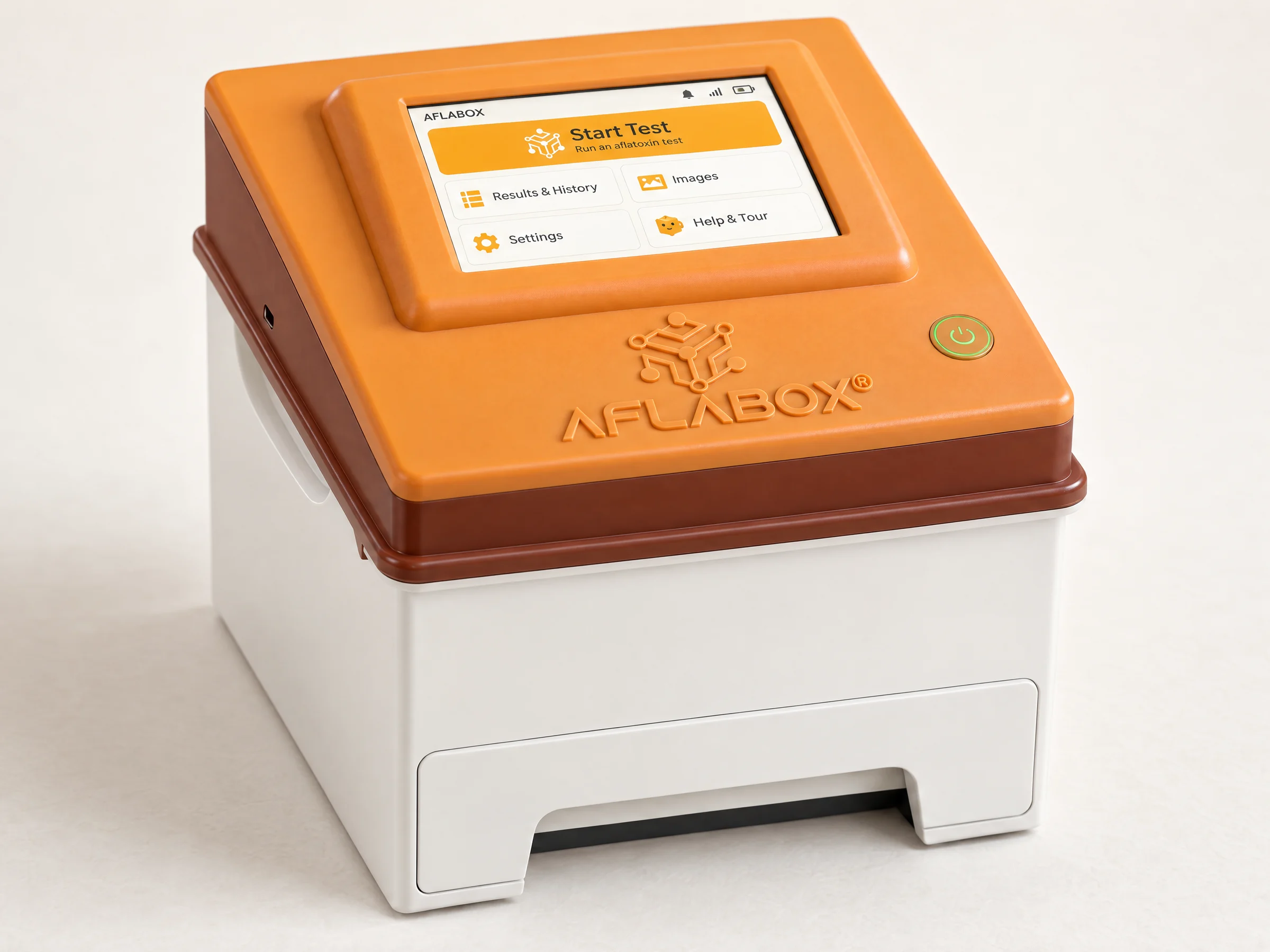
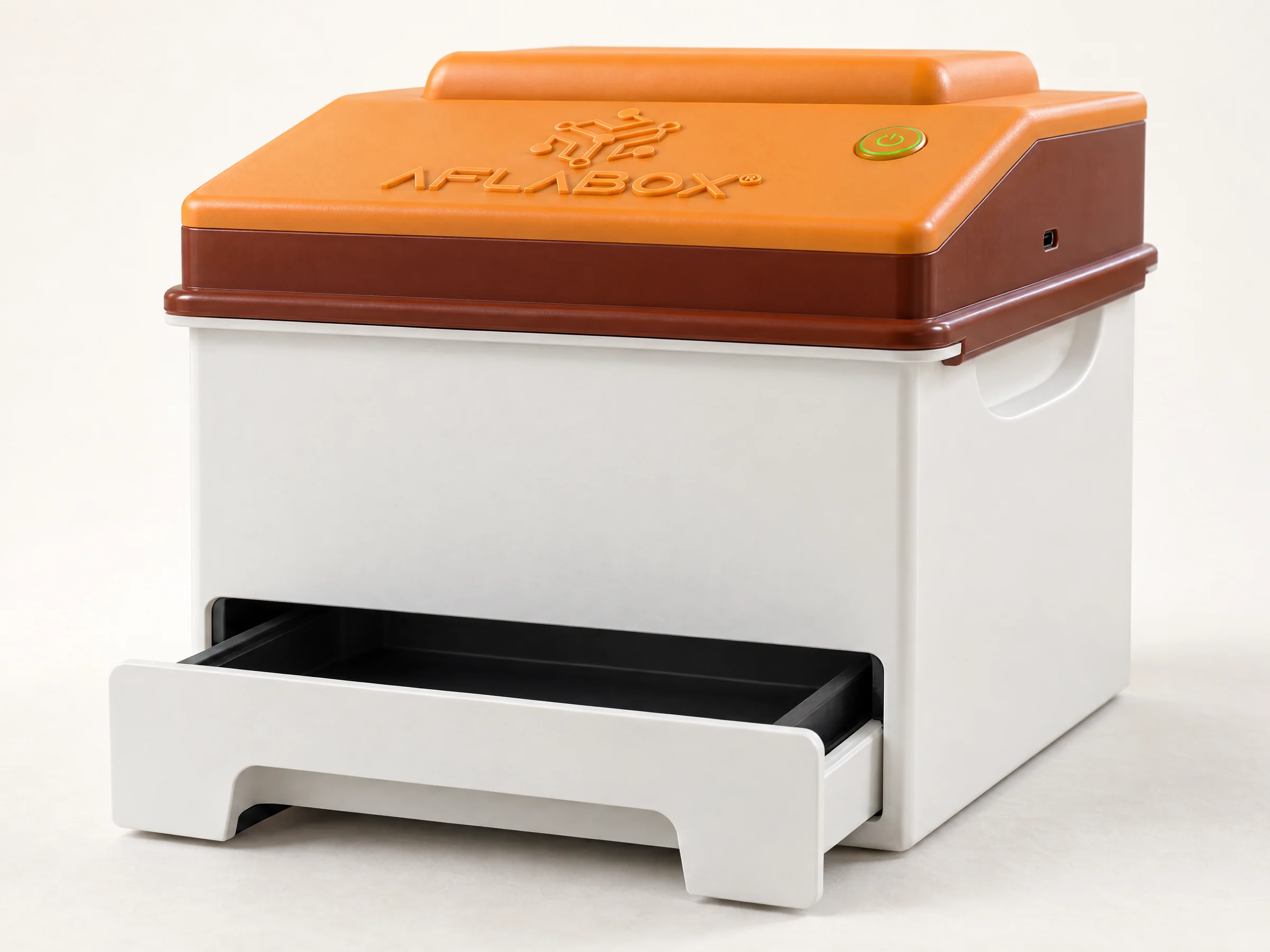
A closed box with a sample drawer, a camera and three lamps. It photographs the grain and assesses it kernel by kernel on the device.
What it does
You spread a sample in the drawer, close it and tap Start Test. The box takes three images of the same sample: one in white light, one under ultraviolet at 365 nm and one at 385 nm. Models running on the box find the kernels in the images, identify the crop of each one and grade it.
The result appears on the touchscreen and is sent to your Aflabox dashboard with all three images. Without Wi-Fi the box keeps testing and uploads later.
Specifications
- Imaging
- Camera above the drawer. Three images per test: white light, UV 365 nm, UV 385 nm.
- Analysis
- On the box: finds each kernel, identifies the crop, and grades each kernel's quality (for example normal, mouldy, broken, sprouted, attacked by pests or impurity).
- Crops
- Maize, rice, wheat and sorghum, each with its own quality model. Kernels the model is not confident about are reported as unknown. More crops are added as training data becomes available; see Adding a crop.
- Controls
- Touchscreen with guided tours. One power button.
- Connectivity
- Wi-Fi. Tests run offline and upload when a connection returns.
- Results
- On the box and in the Aflabox dashboard, with every image.
- Printing
- Optional receipt printer. Each slip has the result and a QR code to a public result page.
- Safety checks
- Confirms the drawer is closed before capture. Empty-drawer calibration from Settings.
- Updates
- Firmware and operating system, over the air.
Product evolution
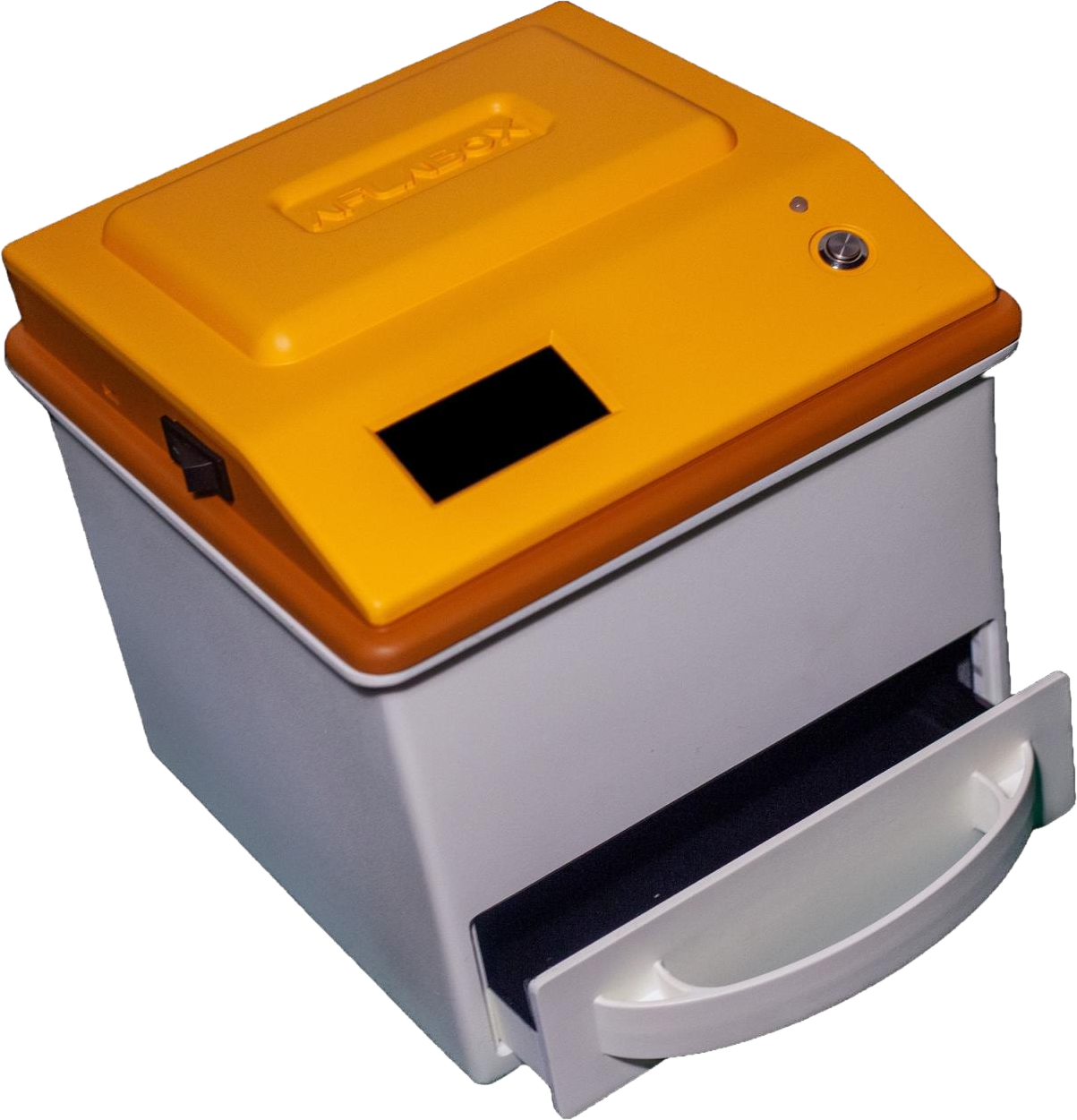
Earlier prototype
A photograph of an earlier Aflabox prototype, with an amber lid over a grey body. It is not the current box, which is shown at the top of this page.